minute read
Check Out Overview
Check Out records when a user takes a shared device, providing device accountability and user-specific personalization.
Mobile Access Management locks down devices to deter theft. Check Out takes less than 5 seconds.
Beginning with 8.0, MAM supports two modes of Check Out:
-
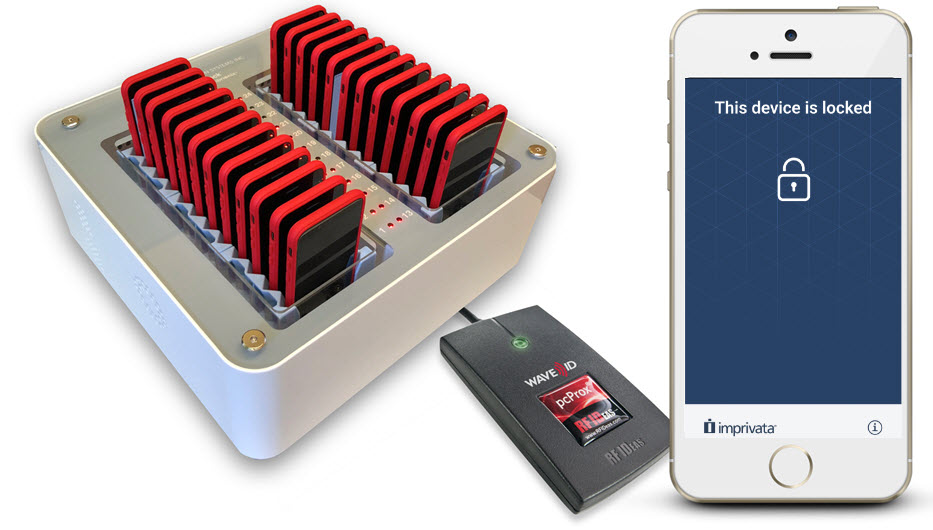
Check Out via a Launchpad ("Tap and Go"): Users tap their existing RFID-enabled employee ID badge on a proximity card reader attached to a Smart Hub. After MAM checks authorizations, it identifies the device with the greatest battery charge and performs a software unlock to reveal the preconfigured apps.
-
This is MAM's hardware-based solution. For more information on configuring your organization for Tap and Go, see Configure Check Out via Launchpad.
-
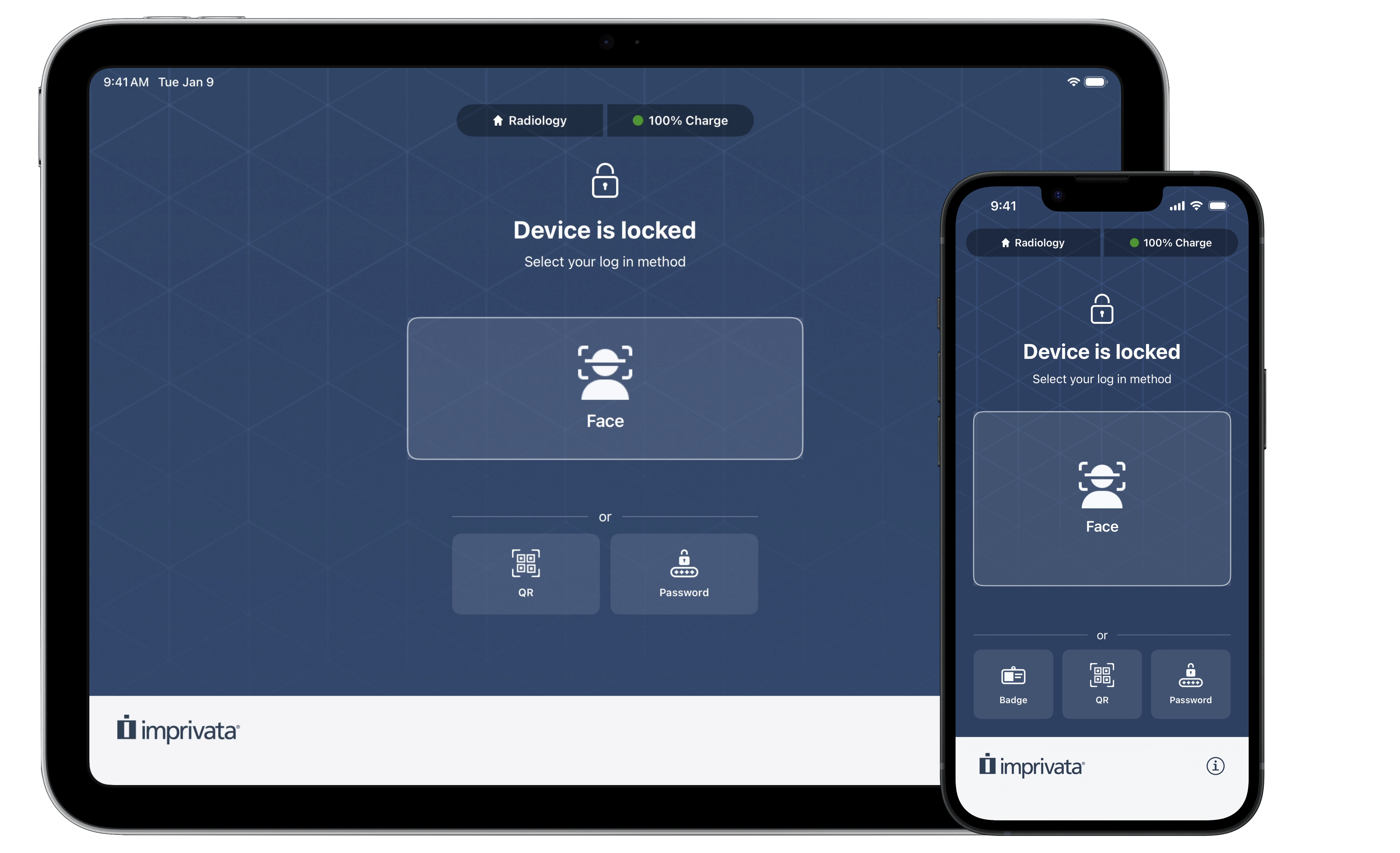
Check Out via Imprivata Locker ("Grab and Go"): Users check out iPhone and iPad devices without requiring Launchpad computers or Smart Hub charging hardware. This supports deployments that do not require physical Check Out infrastructure.
Users authenticate directly on the iOS device itself via badge tap (NFC), face recognition, QR code scan, or username/password entry from any location. For more information on configuring your organization for Grab and Go, see Check Out Devices via Imprivata Locker.