Reporting
unimate provides default reports that can be requested using the BOB dashboard and the Identity dashboard. It is also possible to add custom reports.
The requested reports will be send using email to the executing person with the respective report attached.
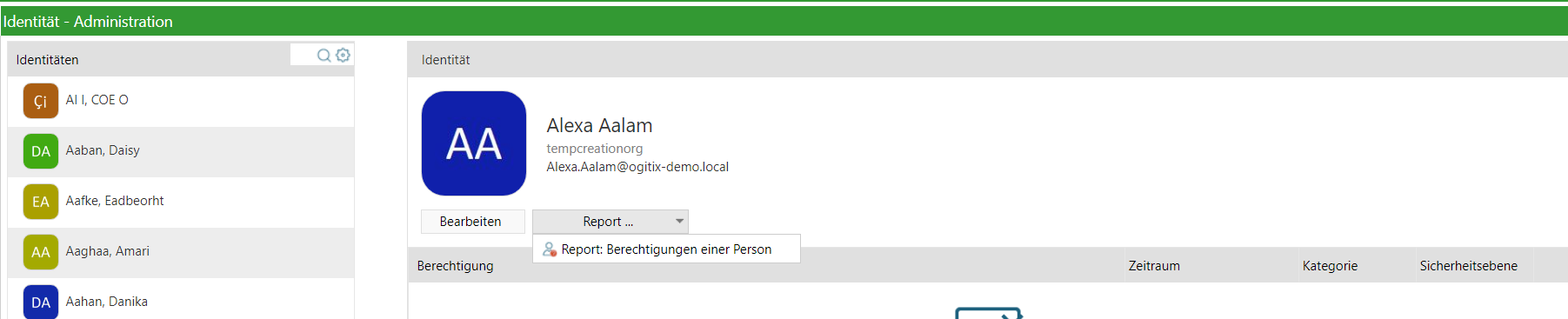
To request a report go to the Identity or BOB dashboard and click on Report… to select the report that you need.
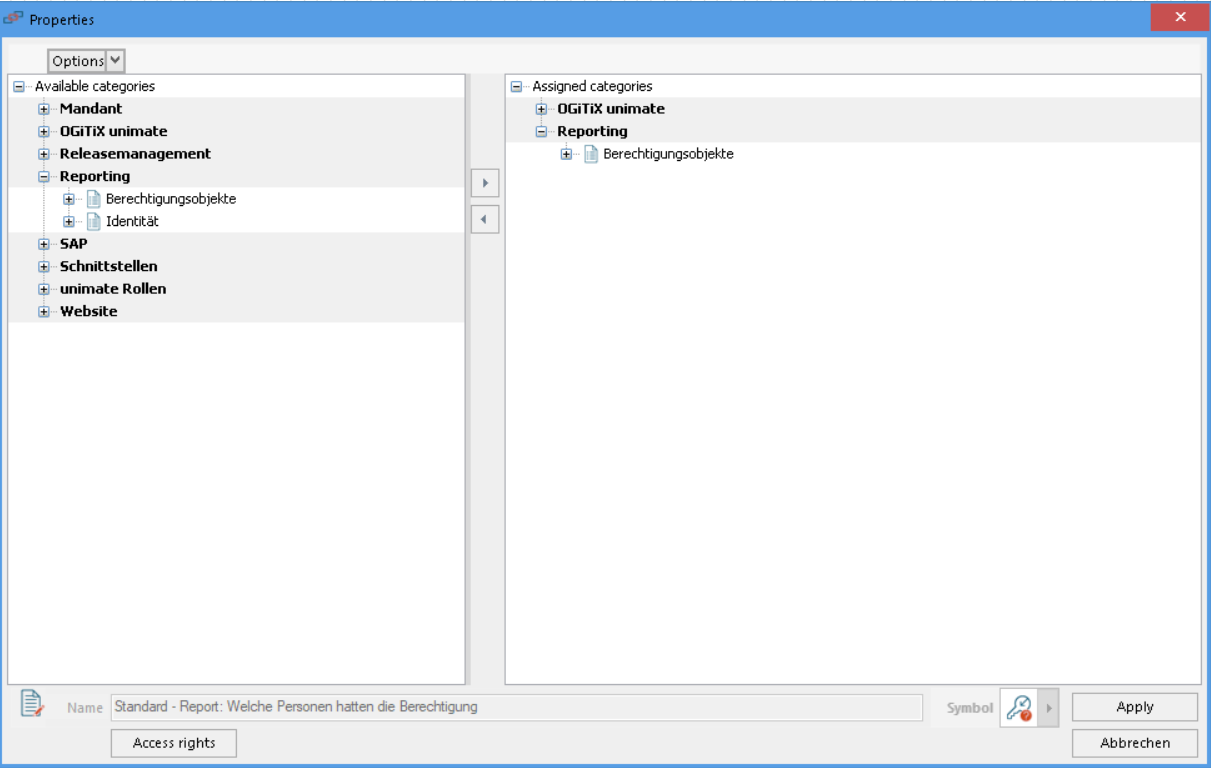
For a report to be displayed in this list, it is required to assign them in the category of the respective Dashboard which are sub categories of Reporting.
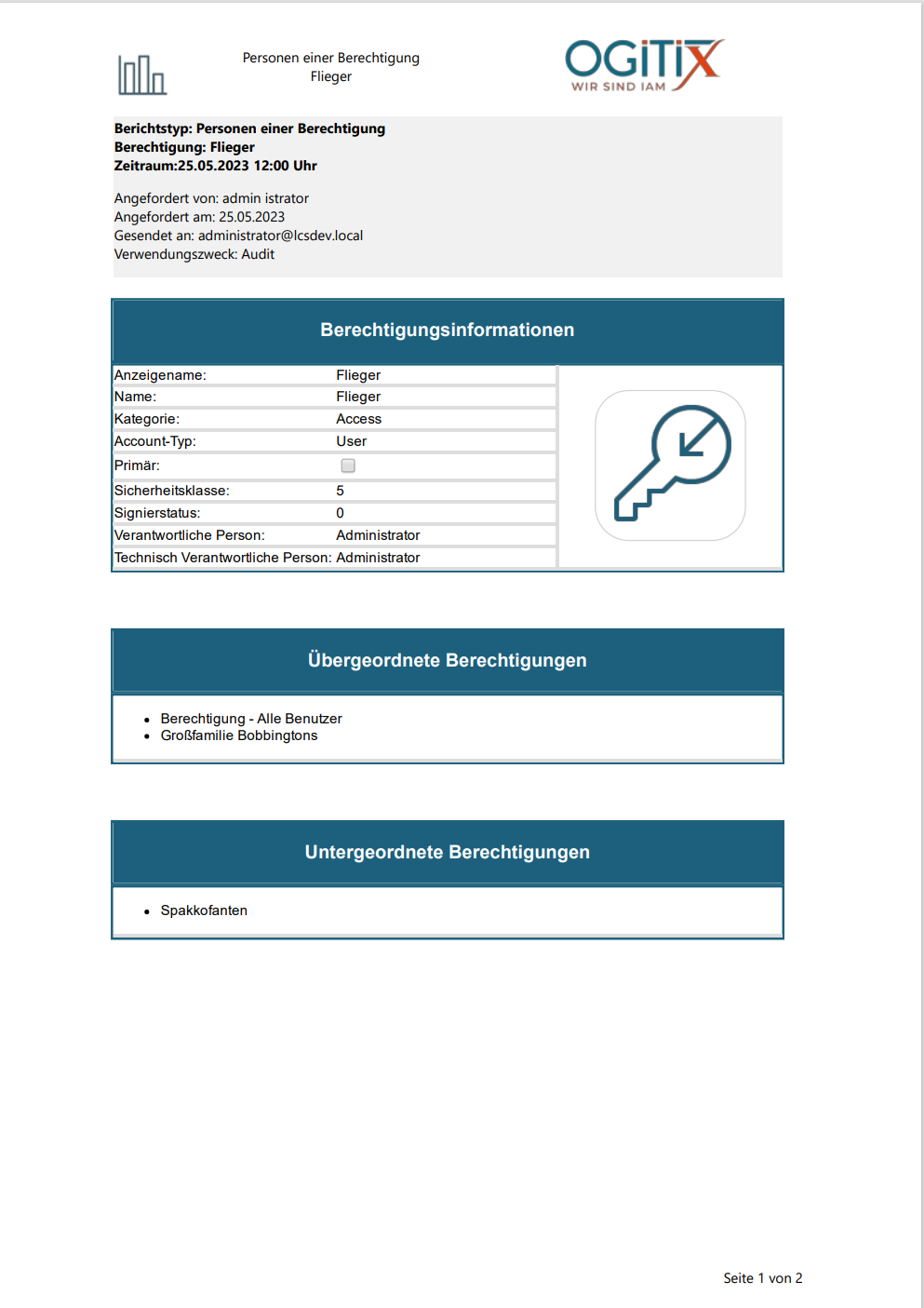
Reports that are included by default always follow the same style:
-
The Headline includes the name of the report as well as the Object that is being reported. Next to it the company logo is displayed.
-
The main body of the report starts with the general information about the report itself.
-
After that the reporting information is displayed. With regards to the permission reports this includes the assignments during the specified time period as well as the assignments across time to provide an easier comparison.