Configuration
To support multiple tenants, you have to start by setting up the access to the system.
This can be done in the workflow Standard - Orbis System Administration.
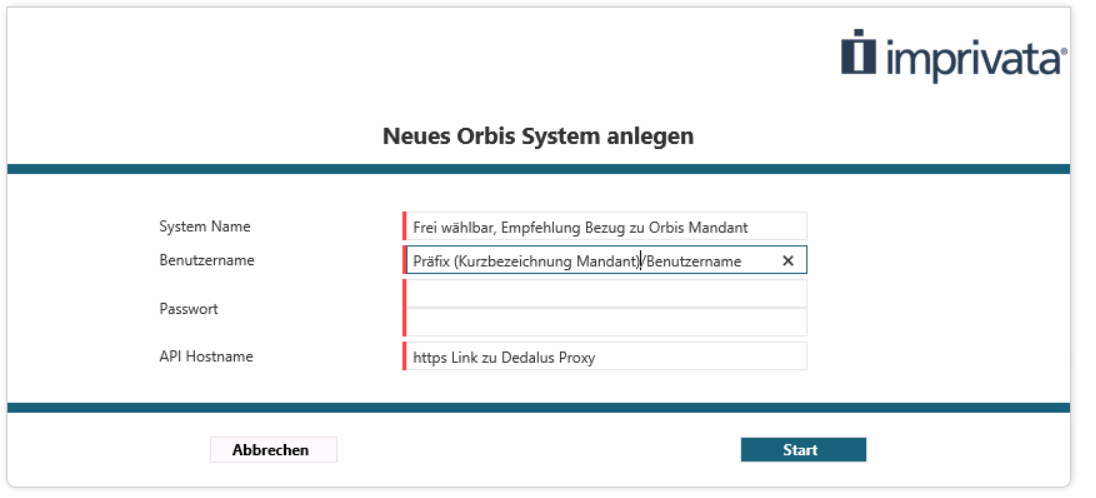
Each entry needs to be specified to set up the access to the system.
System Name: The name of the System in unimate.
If you have multiple systems you might want to name one of the systems Production and the other one Test
Username: The name the legal entity with the user that is used to execute the API Calls. Use PREFIX/USER like you do when you log into Orbis using the regular Orbis interface.
The account that is used to login into the Orbis system. Make sure that this user has the required permissions.
Password: The password of the user that will be used.
The password must be entered twice and is stored encrypted in the unimate vault.
API Hostname: The base-URL that is used to connect to the Orbis API.
This is an HTTPS link including the servername and the URL where the API is available in your environment.
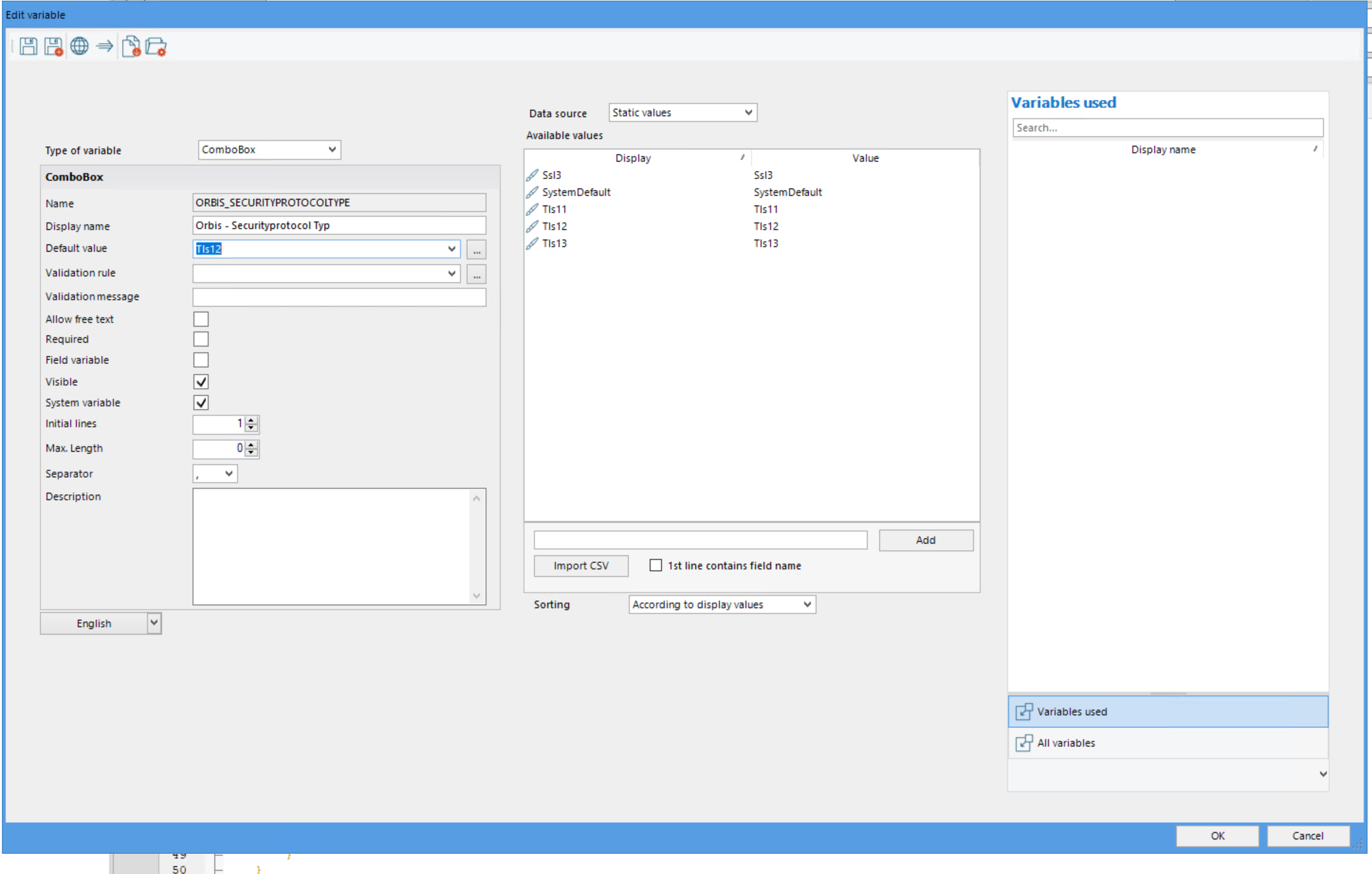
If the connection cannot be established, make sure that an enabled security protocol is used.
Imprivata recommends the use of Tls12.