Benutzer ändern (Rev. 8)

|
Benutzer ändern (Rev. 8) |
Das unimate Modul Benutzer ändern ändert den angegebenen Office 365 Benutzer.
Hierzu sind folgende Variablen zu setzen:
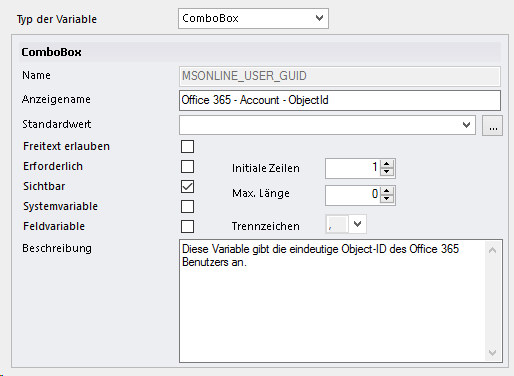
Office 365 - Account - ObjectId (MSONLINE_USER_GUID)
Die Variable Office 365 - Account - ObjectId wird verwendet, um die eindeutige Object Id des Benutzers anzugeben, der aktiviert werden soll.
Optional können Sie folgende Variablen angeben:
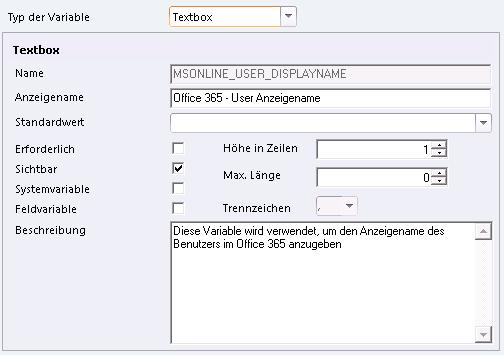
Office 365 - Account - Anzeigename (MSONLINE_USER_DISPLAYNAME)
Die Variable Office 365 - Account - Anzeigename (MSONLINE_USER_DISPLAYNAME) wird verwendet, um den Anzeigenamen des Benutzers im Office 365 anzugeben.
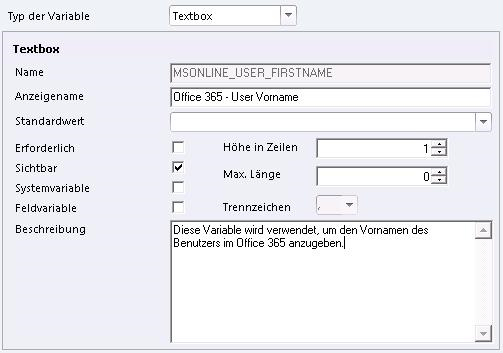
Office 365 - Account - Vorname (MSONLINE_USER_FIRSTNAME)
Die Variable Office 365 - Account - Vorname (MSONLINE_USER_FIRSTNAME) wird verwendet, um den Vornamen des Benutzers im Office 365 anzugeben.
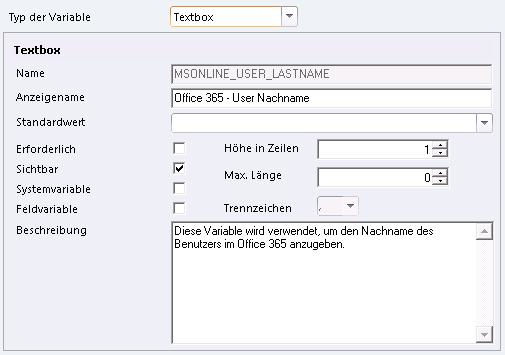
Office 365 - Account - Nachname (MSONLINE_USER_LASTNAME)
Die Variable Office 365 - Account - Nachname (MSONLINE_USER_LASTNAME) wird verwendet, um den Nachname des Benutzers im Office 365 anzugeben.
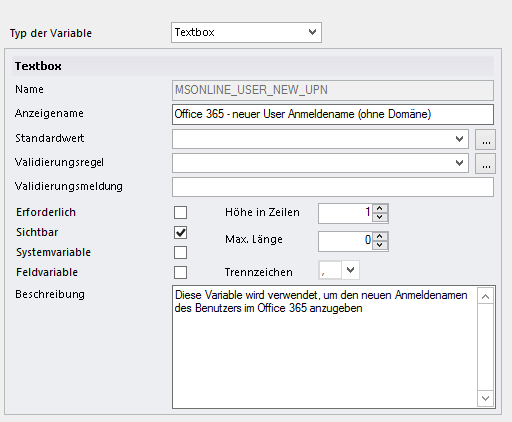
Office 365 - Account - Neuer Anmeldename (ohne Domäne) (MSONLINE_USER_NEW_UPN)
Die Variable Office 365 - Account - Neuer Anmeldename (ohne Domäne) (MSONLINE_USER_NEW_UPN) wird verwendet, um den neuen Anmeldenamen des Benutzers im Office 365 anzugeben.
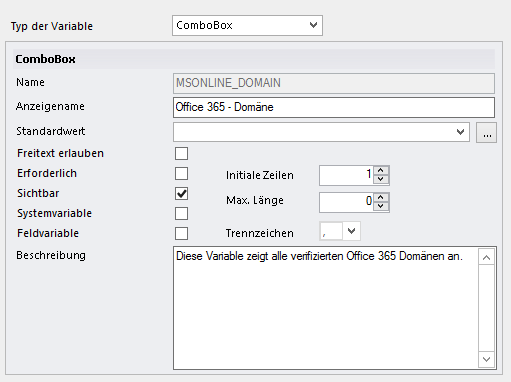
Office 365 - Domäne (MSONLINE_DOMAIN)
Die Variable Office 365 - Domäne (MSONLINE_DOMAIN) wird verwendet, um eine verifizierte Office 365 Domäne anzugeben.
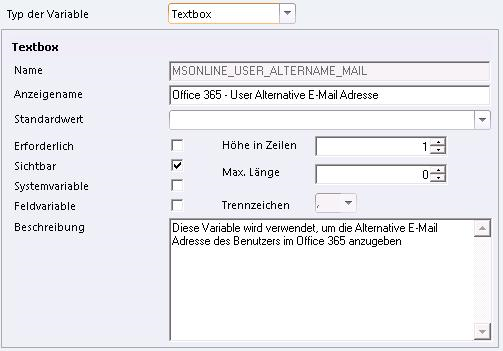
Office 365 - Account - Alternative E-Mail Adresse (MSONLINE_USER_ALTERNATE_MAIL)
Die Variable Office 365 - Account - Alternative E-Mail Adresse (MSONLINE_USER_ALTERNATE_MAIL) wird verwendet, um die Alternative E-Mail Adresse des Benutzers im Office 365 anzugeben.
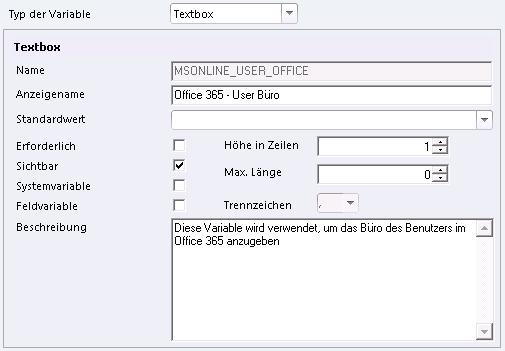
Office 365 - Account - Büro (MSONLINE_USER_OFFICE)
Die Variable Office 365 - Account - Büro (MSONLINE_USER_OFFICE) wird verwendet, um das Büro des Benutzers im Office 365 anzugeben.
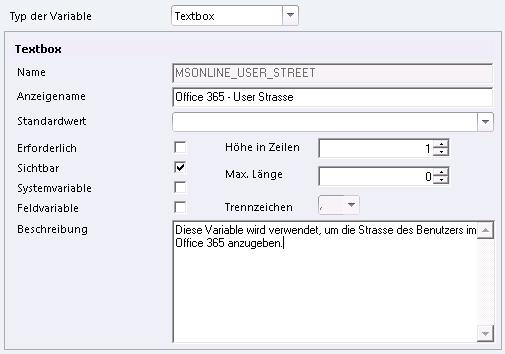
Office 365 - Account - Strasse (MSONLINE_USER_STREET)
Die Variable Office 365 - Account - Strasse (MSONLINE_USER_STREET) wird verwendet, um die Strasse des Benutzers im Office 365 anzugeben.
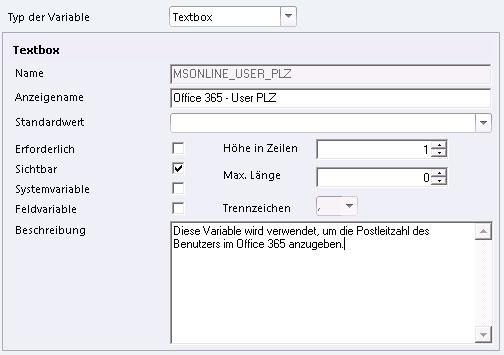
Office 365 - Account - PLZ (MSONLINE_USER_PLZ)
Die Variable Office 365 - Account - PLZ (MSONLINE_USER_PLZ) wird verwendet, um die Postleitzahl des Benutzers im Office 365 anzugeben.
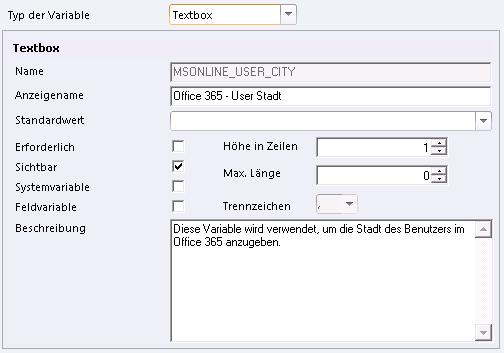
Office 365 - Account - Stadt (MSONLINE_USER_CITY)
Die Variable Office 365 - Account - Stadt (MSONLINE_USER_CITY) wird verwendet, um die Stadt des Benutzers im Office 365 anzugeben.
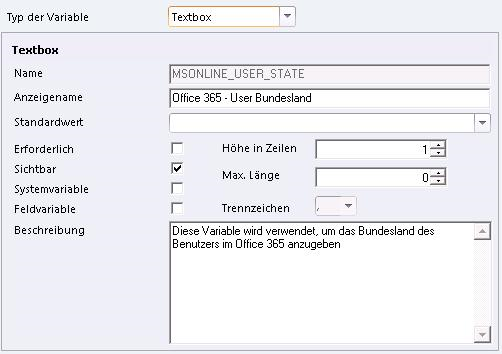
Office 365 - Account - Bundesland (MSONLINE_USER_STATE)
Die Variable Office 365 - Account - Bundesland (MSONLINE_USER_STATE) wird verwendet, um das Bundesland des Benutzers im Office 365 anzugeben.
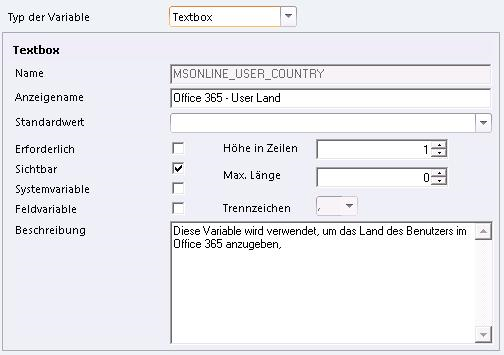
Office 365 - Account - Land (MSONLINE_USER_COUNTRY)
Die Variable Office 365 - Account - Land (MSONLINE_USER_COUNTRY) wird verwendet, um das Land des Benutzers im Office 365 anzugeben.
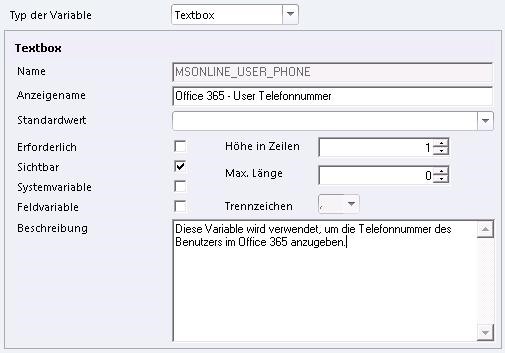
Office 365 - Account - Telefonnummer (MSONLINE_USER_PHONE)
Die Variable Office 365 - Account - Telefonnummer (MSONLINE_USER_PHONE) wird verwendet, um die Telefonnummer des Benutzers im Office 365 anzugeben.
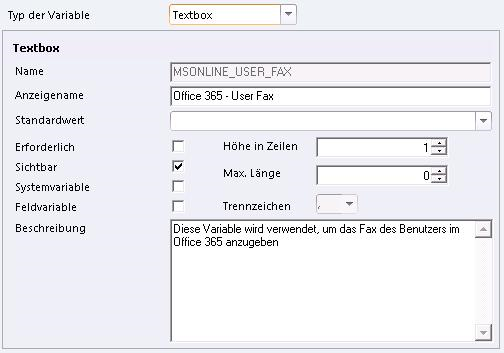
Office 365 - Account - Fax (MSONLINE_USER_FAX)
Die Variable Office 365 - Account - Fax (MSONLINE_USER_FAX) wird verwendet, um das Fax des Benutzers im Office 365 anzugeben.
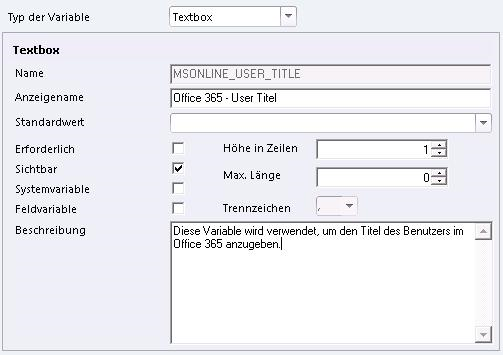
Office 365 - Account - Titel (MSONLINE_USER_TITLE)
Die Variable Office 365 - Account - Titel (MSONLINE_USER_TITLE) wird verwendet,um den Titel des Benutzers im Office 365 anzugeben.
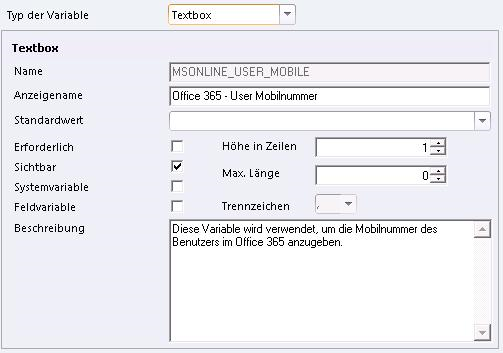
Office 365 - Account - Mobilnummer (MSONLINE_USER_MOBILE)
Die Variable Office 365 - Account - Mobilnummer (MSONLINE_USER_MOBILE) wird verwendet, um die Mobilnummer des Benutzers im Office 365 anzugeben.
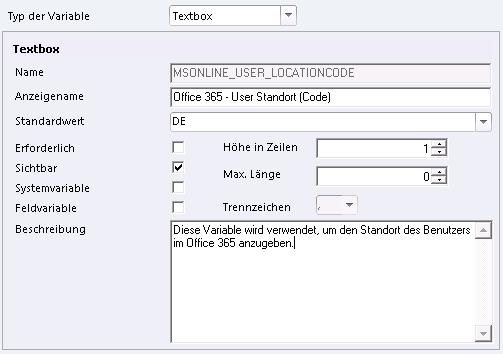
Office 365 - Account - Standort (Code) (MSONLINE_USER_LOCATION)
Die Variable Office 365 - Account - Standord (Code) (MSONLINE_USER_LOCATION) wird verwendet, um den Standort des Benutzers im Office 365 anzugeben.
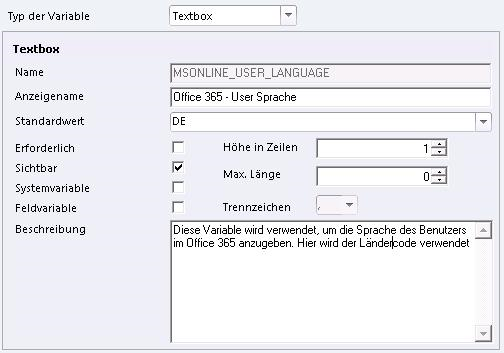
Office 365 - Account - Sprache (MSONLINE_USER_LANGUAGE)
Die Variable Office 365 - Account - Sprache (MSONLINE_USER_LANGUAGE) wird verwendet, um die Sprache des Benutzers im Office 365 anzugeben. Hier wird der Ländercode verwendet.
Hinweis:
Wenn Sie eine Variable auf den Wert "!REMOVE!" setzen, wird das jeweilige Feld im Office 365 gelöscht.
Die folgenden Variablen werden durch dieses Modul gesetzt:
-
Systemvariablen, die in diesem Modul verwendet werden:
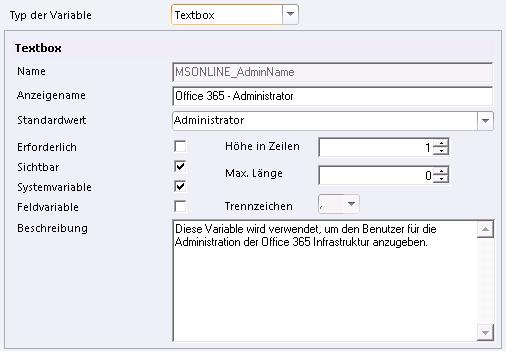
Office 365 - Administrator (MSONLINE_AdminName)
Die Variable Office 365 - Administrator (MSONLINE_AdminName) wird verwendet, um den Benutzer für die Office 365 Administration anzugeben.
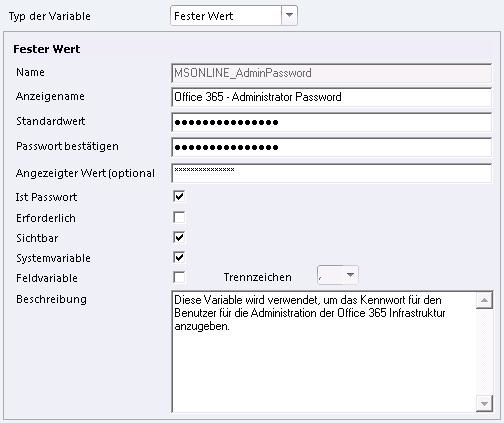
Office 365 - Administrator Password (MSONLINE_AdminPassword)
Die Variable Office 365 - Administrator Password (MSONLINE_AdminPassword) wird verwendet, um das Kennwort für den Office 365 Administrations-Benutzer anzugeben.
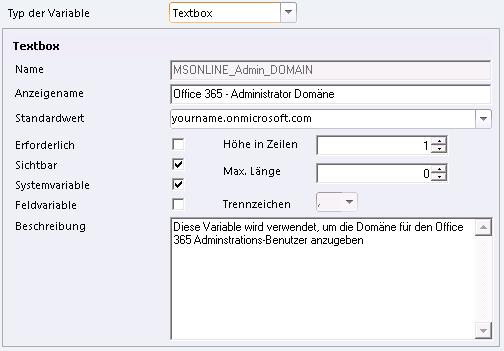
Office 365 - Administrator Domäne (MSONLINE_Admin_DOMAIN)
Die Variable Office 365 - Administrator Domäne wird verwendet, um die Domäne für den Office 365 Administrations-Benutzer anzugeben.
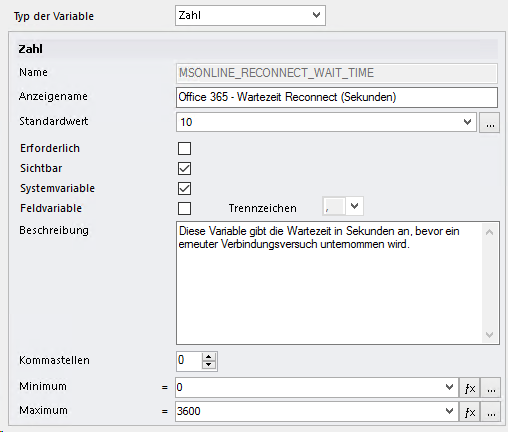
Office 365 - Wartezeit Reconnect (Sekunden) (MSONLINE_RECONNECT_WAIT_TIME)
Die Variable Office 365 - Wartezeit Reconnect (Sekunden) (MSONLINE_RECONNECT_WAIT_TIME) wird verwendet, um die Wartezeit in Sekunden anzugeben, bevor ein erneuter Verbindungsversuch unternommen wird.