minute read
Set Language and Locale
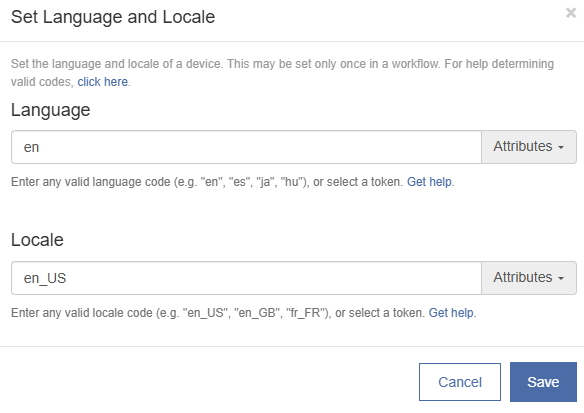
The Set Language and Locale action sets the language, dialect and locale, providing the ability to repurpose a single iOS backup for worldwide use. Apple uses a variation on ISO codes for language and locales. For more information, see the iOS Developer Library article, "Language and Locale IDs." See also: Partial List of Languages and Locales.
The Set Language setup screen is skipped automatically if the Workflow contains either a "Restore from Backup" action or an explicit "Set Language" action.
Apple occasionally adds new languages and locales to iOS Updates, so older versions of iOS may not support all languages. A deployment containing an unsupported code will fail.
To add the Set Language and Locale action:
-
In the MAM console, go to Workflows.
-
Create a new Workflow, or edit an existing Workflow.
-
Click Add an action > Set Language and Locale.
Enter the codes (e.g. en_US) in the text boxes. You may also use Attributes.