 minute read
Allow Accessory to Connect
When any new USB device connects, Macs will display a dialog prompting to allow accessory to connect.
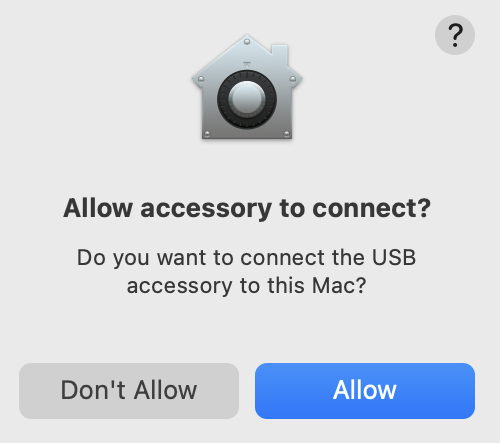
This dialog is intended to provide extra security to protect your Mac, but interferes with Mobile Access Management’s automated operation.
MAM Launchpads on Mac must be configured to always allow accessories to connect, without this dialog. This setting is controlled in System Settings > Privacy & Security.
Click to enlarge
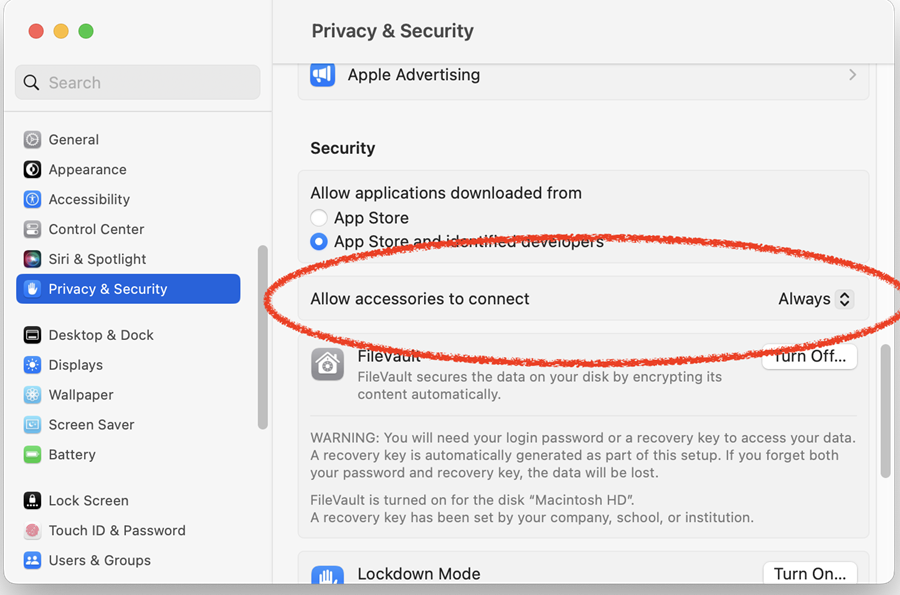
Alternatively, the MDM system you use to manage your Macs may allow to set this globally, using the allowUSBRestrictedMode restriction.


