 minute read
Basic Checkout Automation
The following represents a basic checkout scenario for automation. For automation that complies with Imprivata's best practices, see Standard Workflows for iOS.
As part of a basic checkout, configure two automation rules:
-
Check out
-
Return
-
The first rule handles devices that are being Checked Out:
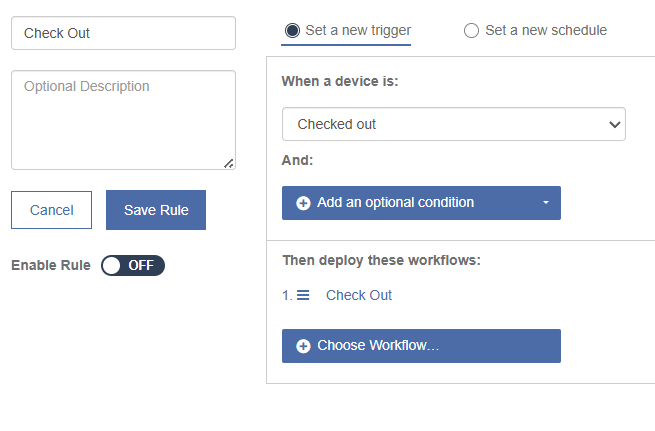
Based on the complexity of your workflows and environment, you can customize this rule with additional conditions.
-
The second automation rule handles the Return Workflow when devices are returned to the Launchpad.
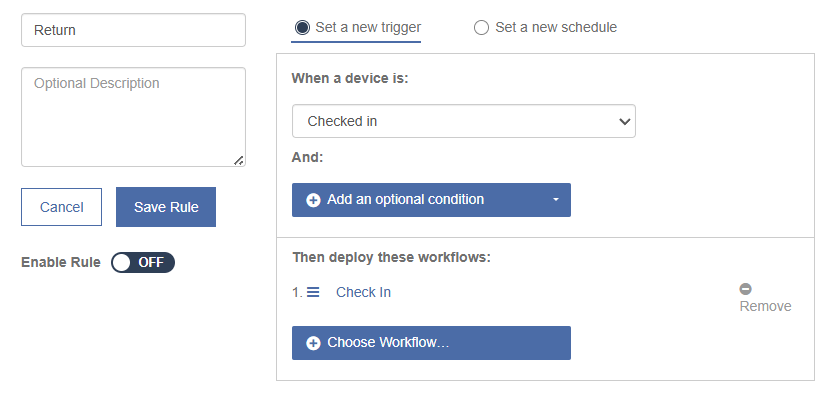
The condition returns only the devices that are already checked out, as well as devices that have a failed check out status.
For example, if a device was not successfully checked in or out, Mobile Access Management runs through the Check In process again to re-provision and lock the device.
-
Enable both rules.


